

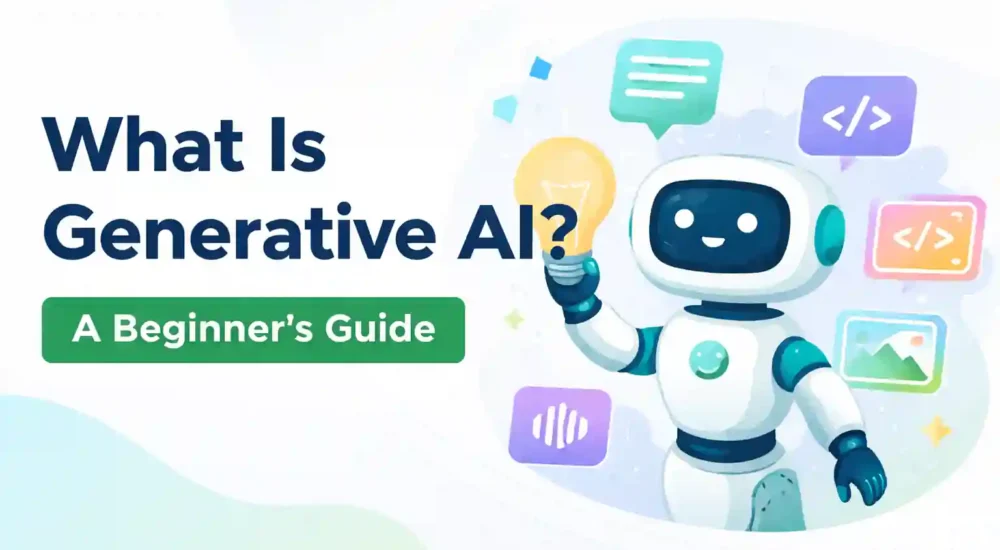
Generative AI is a type of AI that creates new content—such as text, images, audio, or code—based on patterns learned from large datasets. It does not “copy and paste” from one source. It generates an output that fits the prompt and the patterns it learned.
Why generative AI suddenly feels everywhere
Two things changed in a short time:
-
The tools became easy to use (chat-style).
-
The outputs became “good enough” for everyday work—drafts, summaries, outlines, and first versions.
That combination is why generative AI shows up in offices, classrooms, marketing teams, and small businesses.
What generative AI can generate
Generative AI is best understood by the types of output it produces:
-
Text: emails, summaries, reports, lesson notes, scripts
-
Images: course thumbnails, banners, illustrations
-
Audio: voice, narration, short music segments
-
Code: basic scripts, debugging suggestions, explanations
Text-based tools usually run on large language models (LLMs). Image tools use different model families, but the common idea stays the same: generate content rather than only classify it.
How it works (plain-language version)
Most text tools rely on a model trained to predict what comes next in a sequence of words. It learns patterns from enormous amounts of text. With enough training and good design, that “next-token prediction” becomes a system that can write coherent paragraphs, follow instructions, and produce structured outputs.
Two concepts explain most beginner surprises:
1) Tokens
A token is a chunk of text. Models process tokens, not “ideas.” That matters because token limits affect how much information the model can use at one time.
2) Context window
The context window is the amount of text the model can “see” in a single run. If you give a long conversation or a long document, some details may fall outside the window. When that happens, the output can drift.
Where generative AI is used in daily work
Generative AI performs best where the work is repetitive, language-heavy, and easy to review.
Writing and communication
-
drafting emails and replies
-
rewriting for tone and clarity
-
creating first drafts for policies or announcements
Summaries and notes
-
meeting recaps
-
action lists
-
turning long text into clean bullets
Planning and decision support
-
comparing options in a structured table
-
outlining project steps
-
drafting a one-page brief for review
Content creation
-
blog outlines and meta descriptions
-
social post variations
-
course description drafts (with human edits)
What generative AI is not
Confusion is common because the output often sounds confident.
-
It is not a search engine by default. It can generate answers without checking the web.
-
It is not a fact database. A fluent answer can still be wrong.
-
It is not consistent unless you are consistent in your prompt and constraints.
Google’s SEO guidance is useful here as a mindset: clarity and structure help systems understand content. The same principle applies when you “talk” to a model—clear input leads to clearer output.
The risks people run into (and how to avoid them)
NIST frames AI risk management around practical harm reduction: privacy, security, reliability, and governance. You do not need a heavy policy to benefit from that thinking—just consistent habits.
Risk: confident mistakes
What helps:
-
Ask for assumptions and uncertainties: “List what you are unsure about.”
-
Ask for structured output: headings, tables, step-by-step.
-
Verify names, dates, numbers, and claims with trusted sources.
Risk: privacy leakage
What helps:
-
Avoid personal data, client secrets, credentials, private contracts.
-
Use anonymised examples for practice.
-
Keep sensitive work inside approved tools and workflows.
Risk: overreliance
What helps:
-
Treat AI output as a draft.
-
Keep a review step before sending externally.
-
Build templates so your process stays consistent.
A simple “safe use” checklist
Before you paste or publish:
-
Does the output include factual claims that need checking?
-
Does it include a number, a date, a policy, or a medical/legal statement?
-
Does it match the audience and the tone?
-
Could any part reveal sensitive information?
Mini glossary
-
Generative AI: AI that creates new content
-
LLM: large language model used for generating text
-
Token: unit of text processed by the model
-
Context window: how much text the model can use at once
-
RAG: retrieval + generation approach using your documents as context
-
Fine-tuning: training a model further on a focused dataset
FAQ (AEO-friendly)
Is generative AI the same as AI?
Generative AI is one part of AI focused on content creation.
Can generative AI be trusted for facts?
It can be helpful, but it needs verification for factual claims.
Is it useful for beginners?
Yes—writing, summaries, and planning are beginner-friendly use cases.