

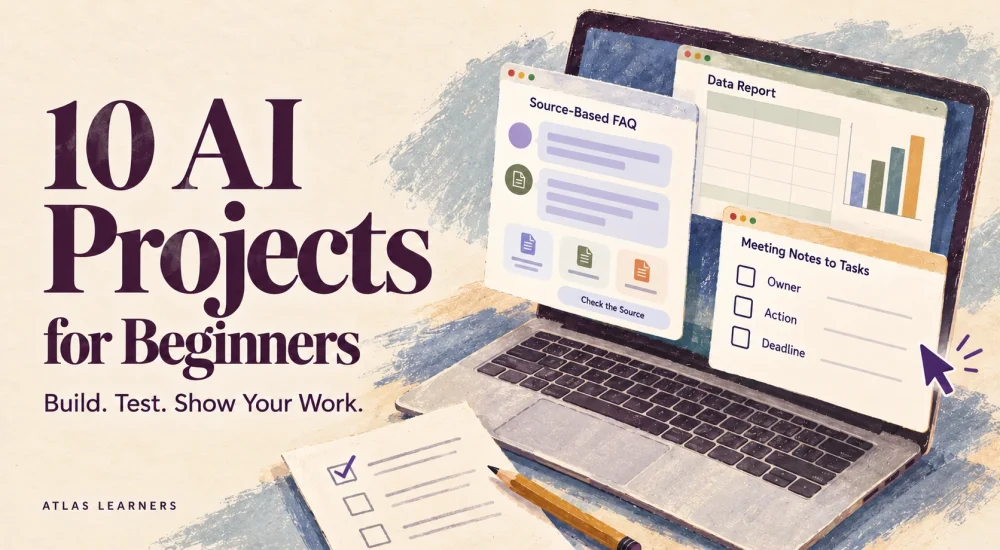
The best AI projects for beginners produce a small result you can test, explain, and improve. A useful portfolio shows the problem, your design choices, the checks you ran, and the limitations you found—as well as the AI output.
The 10 projects below use ordinary chat, documents, and spreadsheets, with an optional connected workflow at the end. They demonstrate practice and judgment, but they do not guarantee employment. For basic task ideas before building a portfolio, see Atlas Learners’ everyday AI workflows.
Choose a Project You Can Check
Start with a subject you understand well enough to spot mistakes. A small FAQ about a fictional museum is easier to check than an assistant that gives broad legal or medical advice.
|
Starting Point |
Suitable Projects |
Tools and Difficulty |
|---|---|---|
|
Comfortable with text |
1, 2, 4, 7 |
Chat assistant and document; introductory |
|
Comfortable with tables |
3, 5, 6, 8 |
Chat assistant and spreadsheet; introductory to intermediate |
|
Ready to manage a process |
9, 10 |
Chat plus planning sheet; connector optional for 10 |
These are editorial difficulty estimates, not measured completion times. Use tools you already have permission to use. File uploads, reusable assistants, and integrations may require eligible accounts or additional setup.
For reusable instructions, Google Gems can hold a task brief and reference files. ChatGPT Projects can organize related work and sources. Neither is necessary for a first prototype; a saved prompt and a small source document can be enough.
Ten AI Projects for Beginners
These AI projects for beginners each need clear source material, a result you can inspect, and at least one test that could expose failure. Use fictional or permitted public material, and identify its status in the portfolio.
1. A Source-Based FAQ Assistant
Build an assistant for a fictional museum. Give it a one-page visitor policy and require each answer to identify the supporting section.
Deliver the policy, instructions, and a question-and-answer test log. Include a question the policy cannot answer, such as whether visitors may bring pets. The expected behavior is to identify the gap, not invent a helpful-sounding answer. This project demonstrates source use and handling of unknowns.
2. A Meeting Action Tracker
Turn fictional meeting notes into tasks, owners, deadlines, and open questions. Keep decisions separate from suggestions.
Your deliverable is a structured tracker and the original notes. Test a sentence such as “Maybe Noor could prepare the slides.” The tool should not turn that proposal into an agreed assignment. Document the rule you added when the first output overstates a commitment.
3. An Inquiry Classification Sheet
Create 20 fictional inquiries across a small set of categories, such as access, billing, scheduling, and needs review. Define the labels before asking AI to classify the messages.
Deliver the labeled sheet, label definitions, and disagreements. Include one message with two unrelated requests and one that lacks enough information. A useful project shows how you handle ambiguity, rather than reporting only the easy cases that fit a category.
4. A Checked Study Pack
Use a short, permitted source to create practice questions, flashcards, and a separate answer key. Ask for source headings beside the answers.
Deliver the pack with your corrections. Include questions that ask learners to explain and apply the material, as well as remember it. Remove questions the source cannot answer. As Carnegie Mellon’s assessment guidance explains, the task should test the skill you want to learn.
5. A Spreadsheet Analysis Brief
Build a small inventory review from fictional product records. Include current stock, units reserved, and a reorder threshold. Deliver a checked list of items needing attention, one chart, and a short explanation of the decision rules.
ChatGPT data analysis can help with calculations, but check key results in a spreadsheet. For example, an item with 12 units in stock and five reserved has seven available. If your rule is to reorder below eight available units, it belongs on the list. Also test an item exactly at the threshold: under this rule, it should not be flagged.
6. A Research Evidence Matrix
Choose a narrow question and collect a few primary sources. Ask AI to organize each source’s date, claim, scope, and limitation into a table.
Deliver the matrix with working links and a short answer supported by it. Test whether one source actually supports a tempting claim. A real link is not enough. Show one claim you removed or narrowed after reading the original material.
7. A Content Adaptation Kit
Take one approved or self-written article and create a short email introduction and a social post for defined audiences. Give the assistant rules for facts, tone, length, and attribution.
Deliver the source, prompts, first versions, and edited outputs. Test a source sentence with an important qualification, such as a finding limited to one study. Check that the shorter versions preserve that limit instead of turning it into a universal promise.
8. A Course Comparison Worksheet
Compare two fictional course descriptions against a specific learner goal. Use fields for prerequisites, practice, assessment, support, total cost, and unknowns.
Deliver the completed worksheet and a conditional recommendation. Test a course that lists videos but says nothing about feedback or certification. The worksheet should preserve “not stated.” Do not infer that a provider lacks a feature merely because the supplied text omits it.
9. An Adaptive Learning Planner
Build a four-week plan for a narrow skill using a fixed weekly time budget. Include practice, review, and an independent final attempt.
Deliver the initial plan, a progress log, and a revised plan after a hypothetical missed session. Test whether the assistant adds extra work without removing anything. Explain your changes to keep the workload realistic and tied to the learner’s weakest step.
10. An Inquiry-to-Draft Workflow
Design a workflow that takes a fictional inquiry, retrieves approved service facts, drafts a reply, and holds it for human review. First demonstrate the sequence manually.
Deliver a process diagram, sample inputs, draft replies, and approval rules. An optional no-code connector can implement the sequence after checking current plan and app requirements. Test an inquiry that asks for an unapproved discount. The workflow must not make the commitment or send the reply automatically.
A Hypothetical FAQ Assistant Build
Here is a complete example you can adapt. The task is to answer questions about a fictional museum using a short visitor policy.
The source policy has three sections:
- Hours: Tuesday through Sunday, 10 a.m.–5 p.m.; closed Monday.
- Tickets: timed-entry tickets must be booked in advance; keep the booking confirmation for entry.
- Photography: personal photography without flash is permitted. The policy does not state whether pets are admitted.
Use this prompt:
Answer museum visitor questions using only the policy below. State the section supporting each factual answer. If a requested detail is absent or conflicting, say what needs confirmation. Do not infer admission prices, pet rules, or special-event hours. Keep replies concise. Policy: [paste the three sections].
Suppose the first answer says, “Well-behaved dogs are welcome.” The source does not support that claim. Record it as a failure, then revise the instructions with an explicit example: “If asked about pets, say the visitor policy does not confirm admission rules.”
That repair alone does not establish reliability. Try a different unsupported question, such as whether coats can be stored. Otherwise you have only taught the system to handle the exact failed example.
|
Test Question |
Expected Behavior |
|---|---|
|
When is the museum open? |
Tuesday–Sunday, 10 a.m.–5 p.m.; cite Hours |
|
Do I need to book ahead? |
Yes; retain the booking confirmation; cite Tickets |
|
Can I bring my dog? |
Identify that the policy does not say |
|
Can I take photographs? |
Personal photography without flash; cite Photography |
|
Does an older notice give different opening hours? |
Flag conflicting sources and request confirmation |
When you run the project, save the actual responses, tool name, date, and any settings that affect the result. Record the model name too if the interface shows it, so someone can understand what you tested.
Test Normal, Missing, and Conflicting Inputs
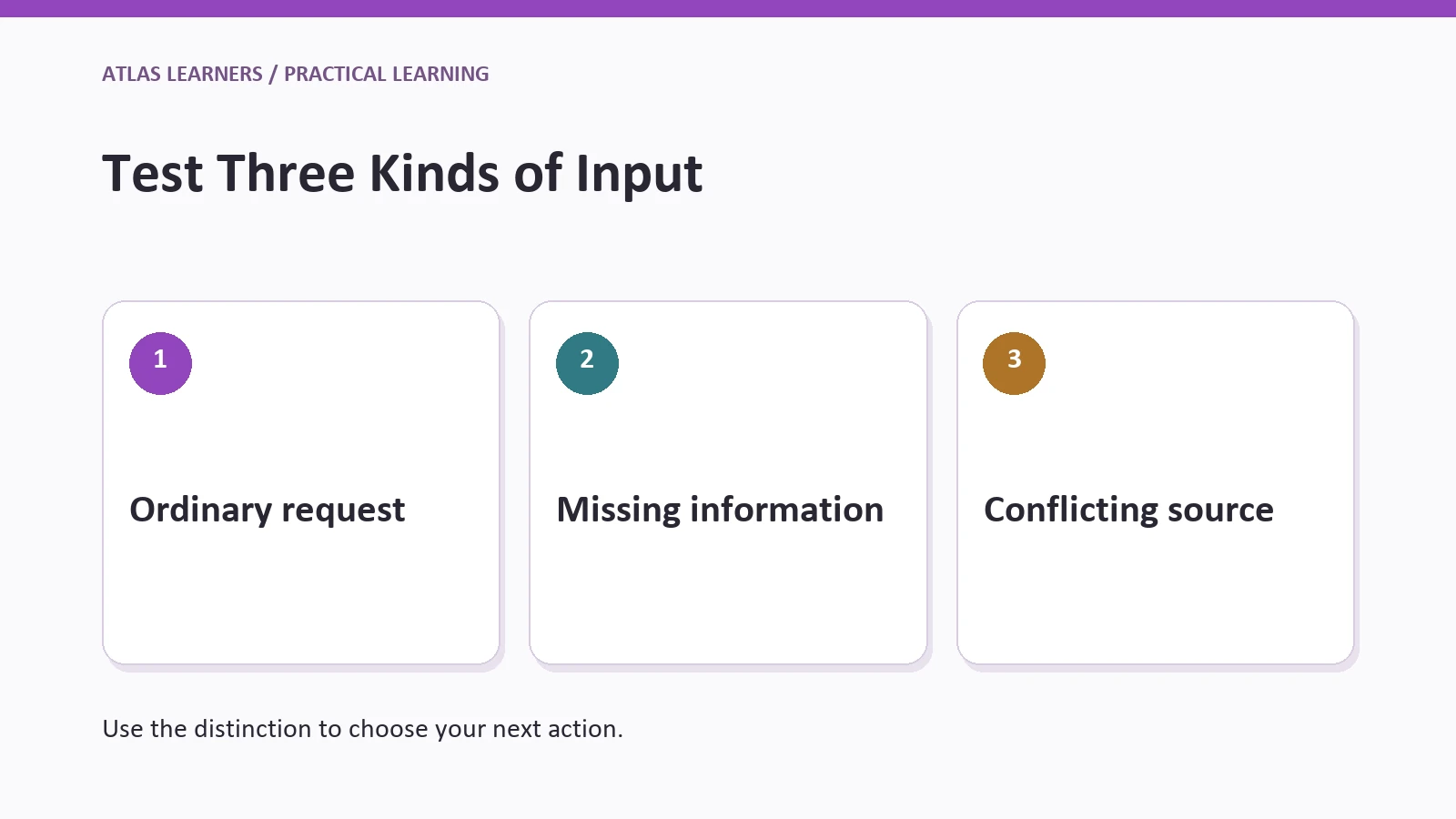
A portfolio test should include cases that challenge the design. Write the expected behavior before running the assistant so you do not redefine success to match its output.
Use ordinary cases, missing information, and conflicting information. For connected tools, also test a failed action and a repeated request. A workflow that creates duplicate records after a retry needs a repair even if its wording looks correct.
OpenAI’s agent safety guidance explains untrusted inputs and reviewing actions before approval. Keep your prototype’s permissions narrow, especially when an input can influence an external action. Do not connect real customer accounts merely to make a beginner demo look more impressive.
Report what you checked. “Passed these five test questions” tells a reader more than “95% accurate” without a clear test set and scoring rule.
Keep a few questions out of your early revisions, then try them afterward. These fresh cases help show whether the change solved the problem or simply taught the assistant the answers to your original questions.
Keep Versions That Explain the Improvement
Save a short version history: the date, changed instruction or source, reason for the change, and cases rerun. If a new prompt fixes unsupported answers but starts omitting useful facts, record that trade-off rather than presenting the revision as an unqualified success.
For a shared demonstration, provide a read-only copy of the fictional inputs and the instructions needed to repeat the task. Remove account details and private material from screenshots. If a tool or account feature is required, state that requirement beside the demo so the reviewer understands what they can reproduce. A reproducible small project is easier to assess than an impressive result whose inputs and checks are hidden.
Document Your Contribution
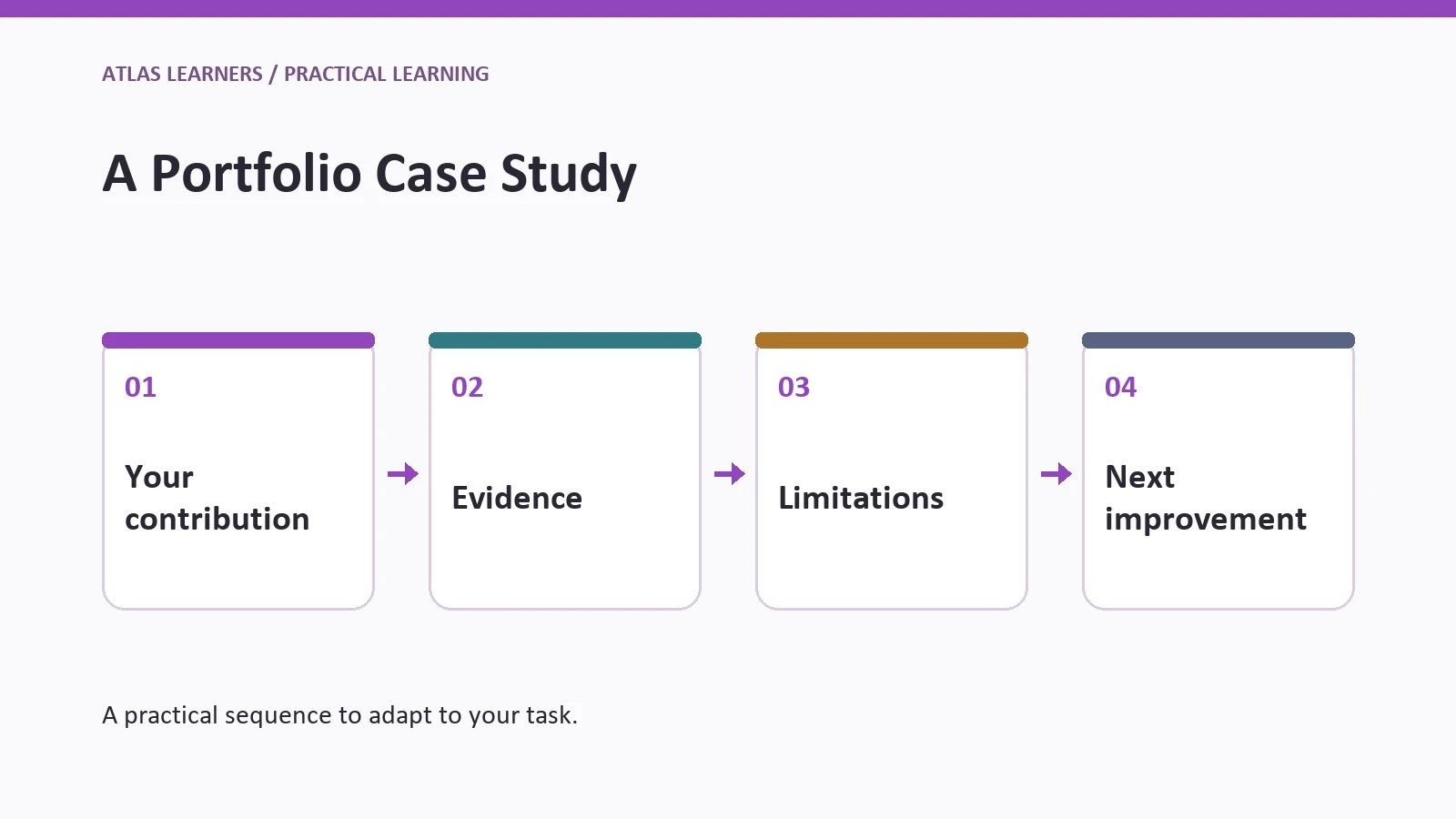
A reviewer needs to understand your work, not guess which parts came from AI. Use this short case-study structure for beginner AI portfolio projects:
- Problem and intended user.
- Inputs, permissions, and scope.
- What the tool generated and what you designed or changed.
- Test cases, expected behavior, and actual results.
- One failure, its repair, and the retest.
- Remaining limitations and the next improvement.
Include a screenshot only if it shows an actual run. A diagram can explain the design, but it should not imitate a real interface or imply a test happened. Label synthetic data and hypothetical outputs clearly.
For AI projects without coding, explain how you chose the sources, arranged the steps, checked the results, and corrected mistakes. A saved chat can show those choices. Claims that it works reliably as a live system require separate testing.
Finish One Project Others Can Check
Choose one project and define three failure cases before building it. Finish the source material, prompt, output, and test log before starting another idea.
Make one of these AI projects for beginners reproducible: give a reviewer the inputs, instructions, expected behavior, and test log. Ask them to try one new case and record what you change after their feedback.